Connect your Device to the Web Installer
Once your Pixel phone is in Fastboot Mode, you need to connect it to the Conectum Web Installer through your browser.
Step-by-Step Instructions:
Method 1: Manual Method (no PC needed)
- Now, in your browser, click the button: Connect
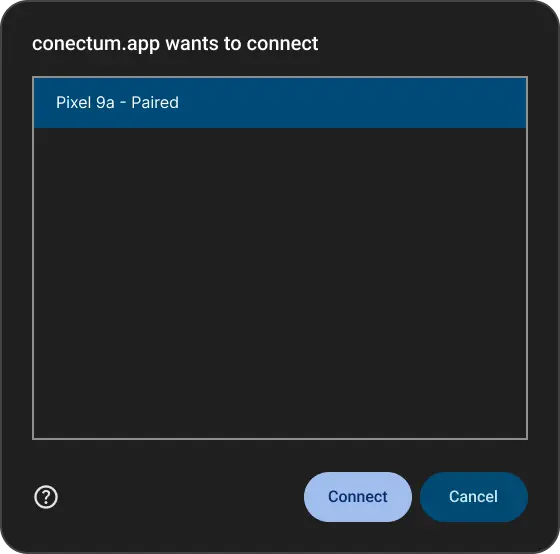
- Your browser will display a pop-up window asking you to select your device. This is part of the WebUSB connection flow.
- In the pop-up:
- Select your Pixel device from the list
- Click Connect